Core
📸 Continuous & Manual Capture
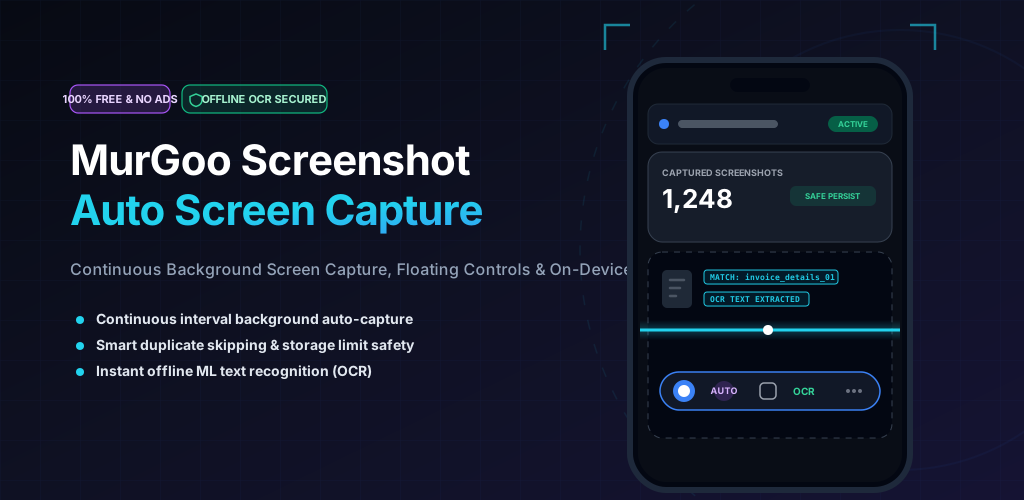
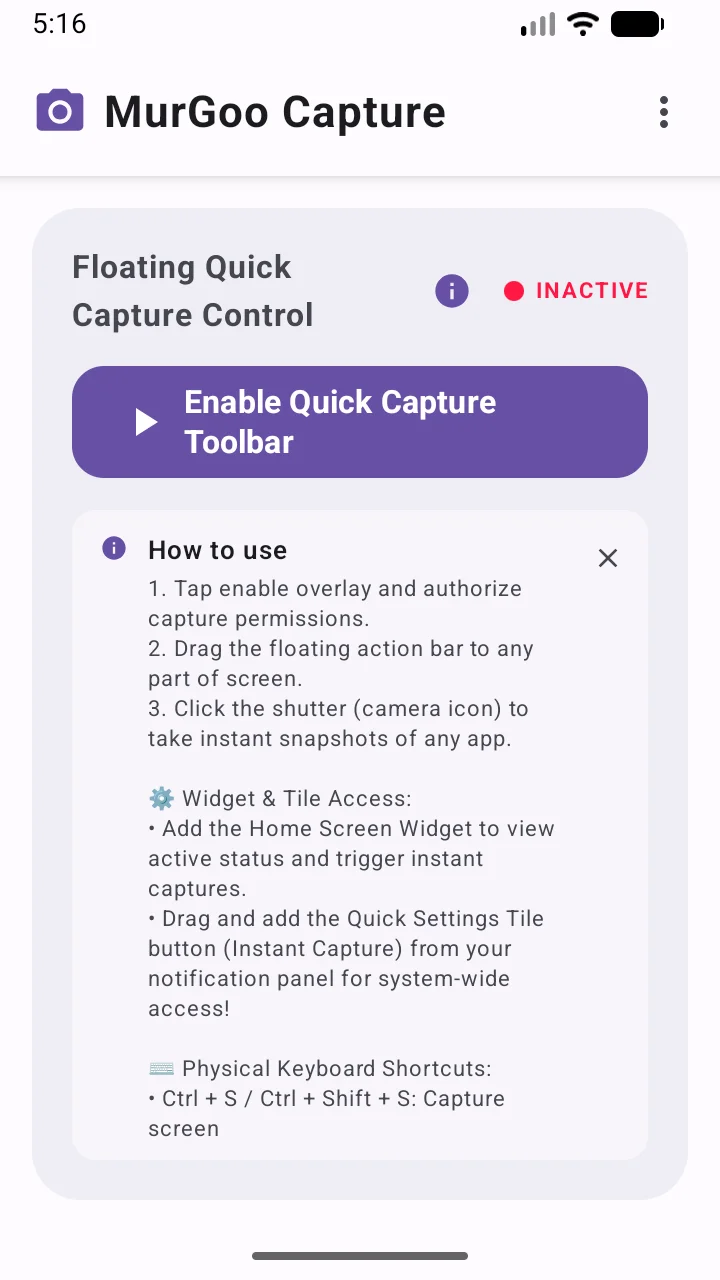
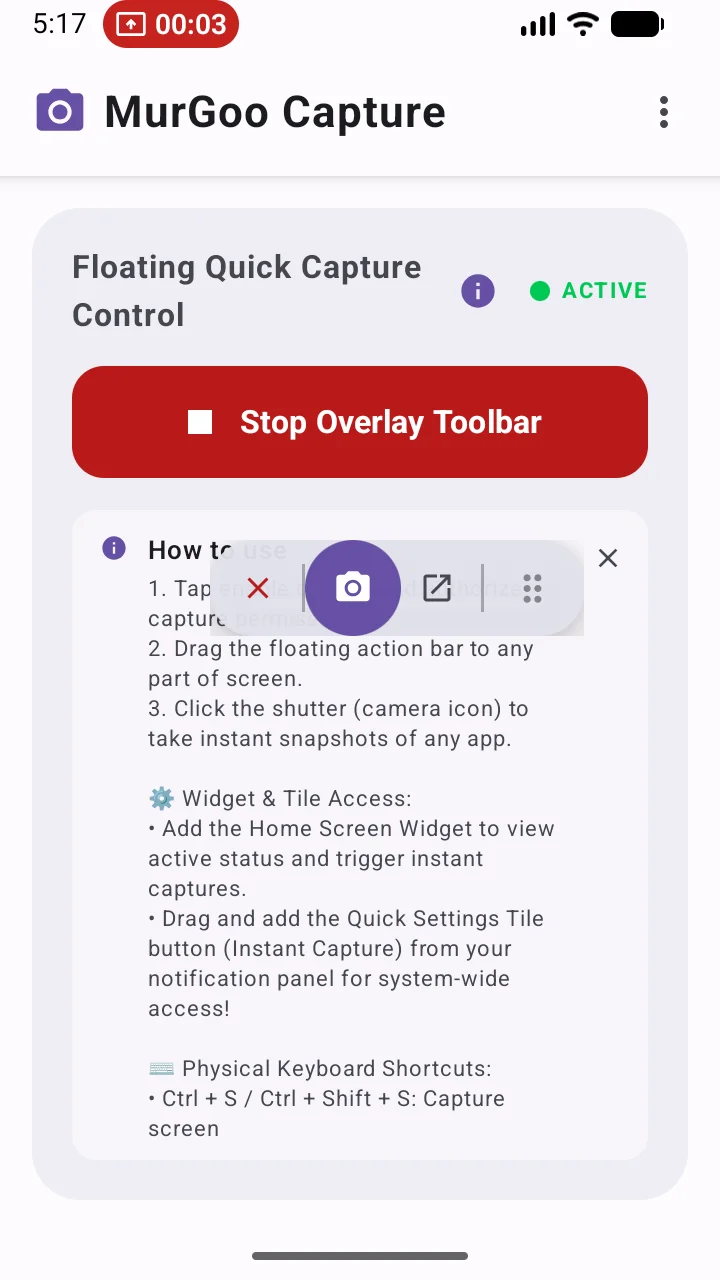
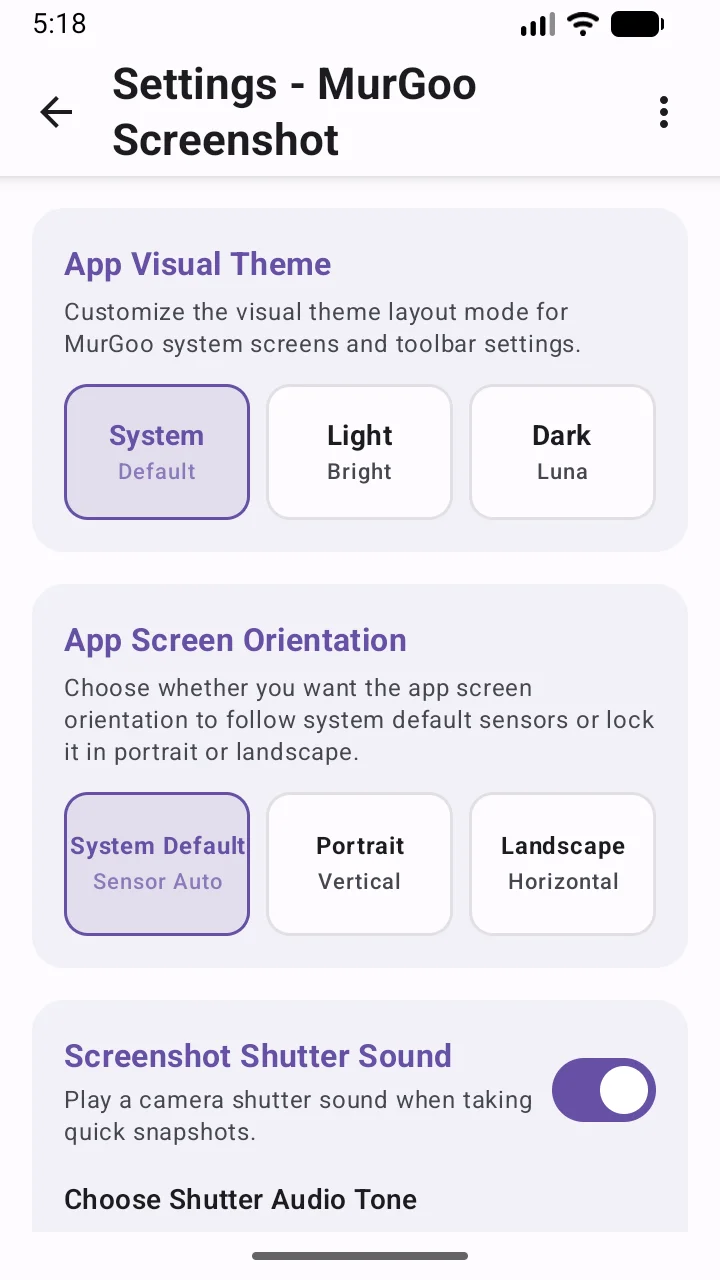
Take manual screenshots instantly or initiate a periodic auto-capture loop. Manage everything smoothly through a floating overlay, quick setting tiles, or home screen widgets.
Pro
✂️ Advanced Image Annotation
Jump right into editing. Crop edges, draw freehand annotations, insert shapes, apply text masks, and obscure sensitive regions right after a capture is taken.
Pro
📝 Offline Text Extraction (OCR)
Instantly copy visible text from your screenshots without compromising privacy. Powered by local Machine Learning binaries, text extraction runs offline ensuring your data never leaves the device.
Pro
©️ Custom Watermarking
Secure your intellectual property. Embed custom device information, date/time stamps, customized text, and colored overlays automatically into your exported captures.
Core
🧠 Smart Duplicate Skipping
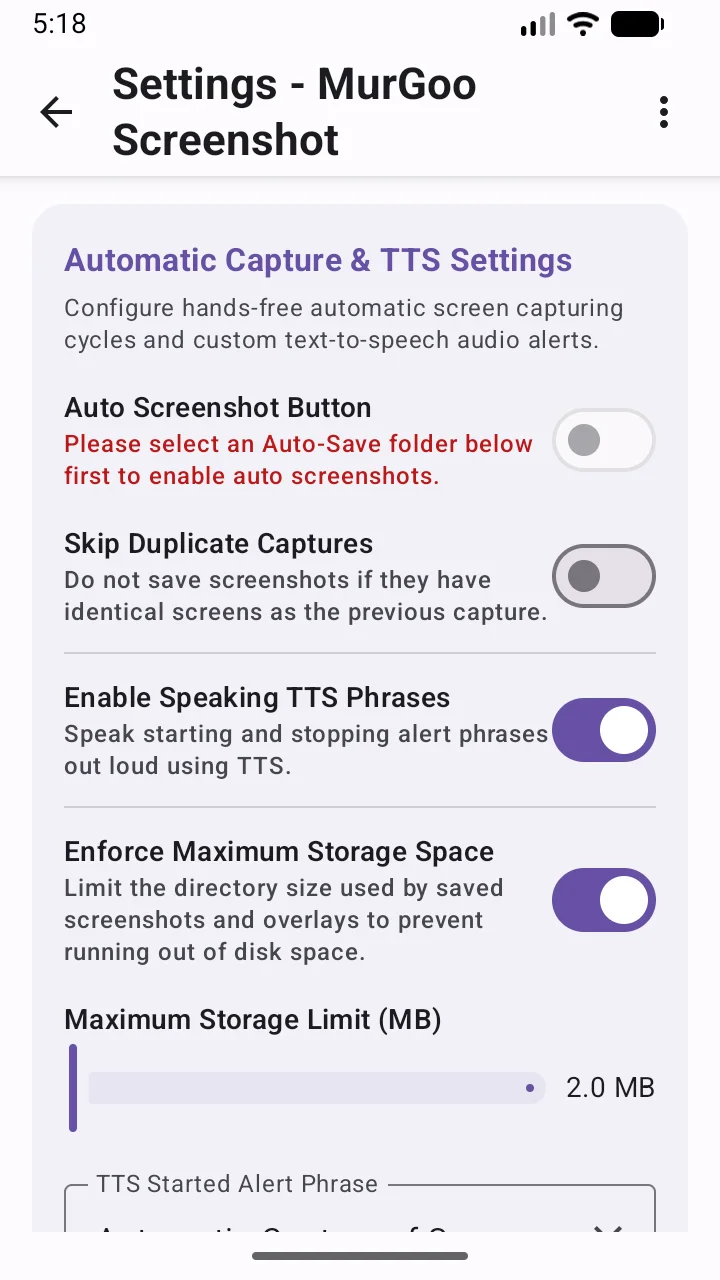
Conserve device storage during continuous recording sessions. Our local algorithm evaluates consecutive screen states to dynamically skip identically matched frames.
Utility
🧹 Storage Thresholds & Auto-Cleanup
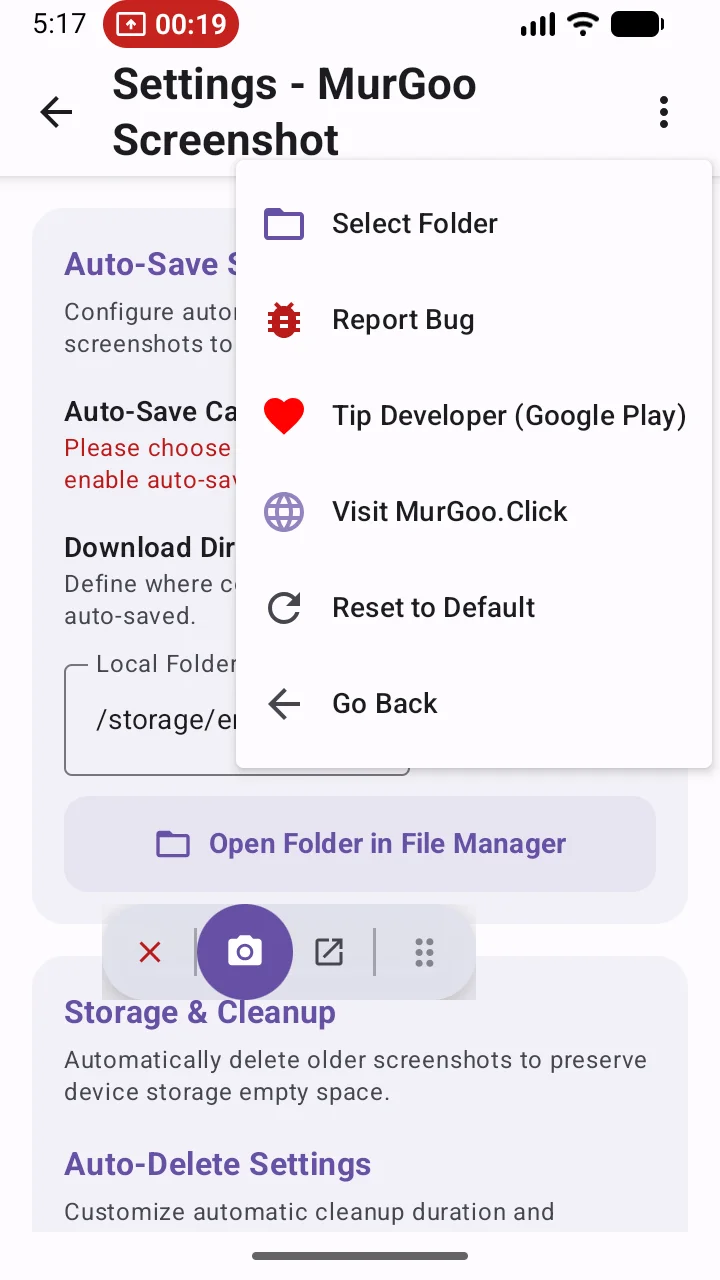
Automate your storage management. Configure maximum folder safety limits (e.g., 2MB ceilings) and activate automatic retention cleaners to purge outdated captures safely hourly, daily, or weekly.
Utility
🗣️ Hands-Free TTS Alerts
Stay informed effortlessly. The app leverages the native Android Text-to-Speech engine to announce capture loop starts, duplicate occurrences, and vital storage limit warnings aloud while you work.
🔒 Complete Privacy-By-Default
Strictly 18+ Adult Use Only. Constructed with absolute privacy from the ground up. We utilize zero external servers, no cloud processing, and no third-party trackers. Every capture, annotation, and OCR evaluation resides strictly within your local hardware sandbox and secure folders. Ensure complete control over your sensitive visual layouts.
Frequently Asked Questions (FAQ)
Does this app require an internet connection?
No. MurGoo Screenshot Capture is designed to be fully offline. All core features including image capture, optical character recognition (OCR) text extraction, duplicate frame checking, and drawing annotations run independently on your device. Your data never touches a remote server.
Why does the app require the "Display over other apps" permission?
We require this specifically to show our floating camera control overlay on top of your screen. This overlay gives you instant access to manual capture buttons or the pause controls for auto-capture while you are navigating through other applications.
Why must I approve the "Screen Recording or Casting" MediaProjection prompt?
Android utilizes a unified security framework (MediaProjection) both for screen casting and taking screenshots programmatically. The system presents a standard warning, but rest assured, our app only utilizes this API to extract still visual frames—saving them purely as local JPG/PNG files to your storage drive.
Where does the app save my screenshots?
By default, screenshots are securely routed to the public directory inside /Download/MurGoo_Captures (or your configured default storage). They are easily accessible via your mobile phone's built-in file explorer or gallery apps.
What happens if my phone runs out of storage space?
We've implemented proactive sizing monitors. If the remaining storage dips below your specified safety threshold boundary (like the default 2MB safety margin), the app automatically suspends the auto-capturing loop to protect your phone's memory. It will also sound an audible Text-to-Speech alert warning you about the space limit so you aren't caught off guard.
What languages are supported by OCR and TTS?
The offline OCR text extraction currently supports Latin-based languages, including English, Spanish, French, German, and Italian natively on-device. The Text-to-Speech (TTS) feature utilizes your Android device's built-in TTS engine, meaning it supports any language you have installed and enabled in your system's accessibility settings.
Can I support the developer?
Yes, absolutely! MurGoo Screenshot Capture contains absolutely no ads to ensure a clean, uninterrupted user experience. However, developing and maintaining this tool takes time and effort. If you find the app helpful, please consider leaving a positive review or providing a tip. Your support directly funds continued development, bug fixes, and the addition of new features without relying on intrusive advertising.