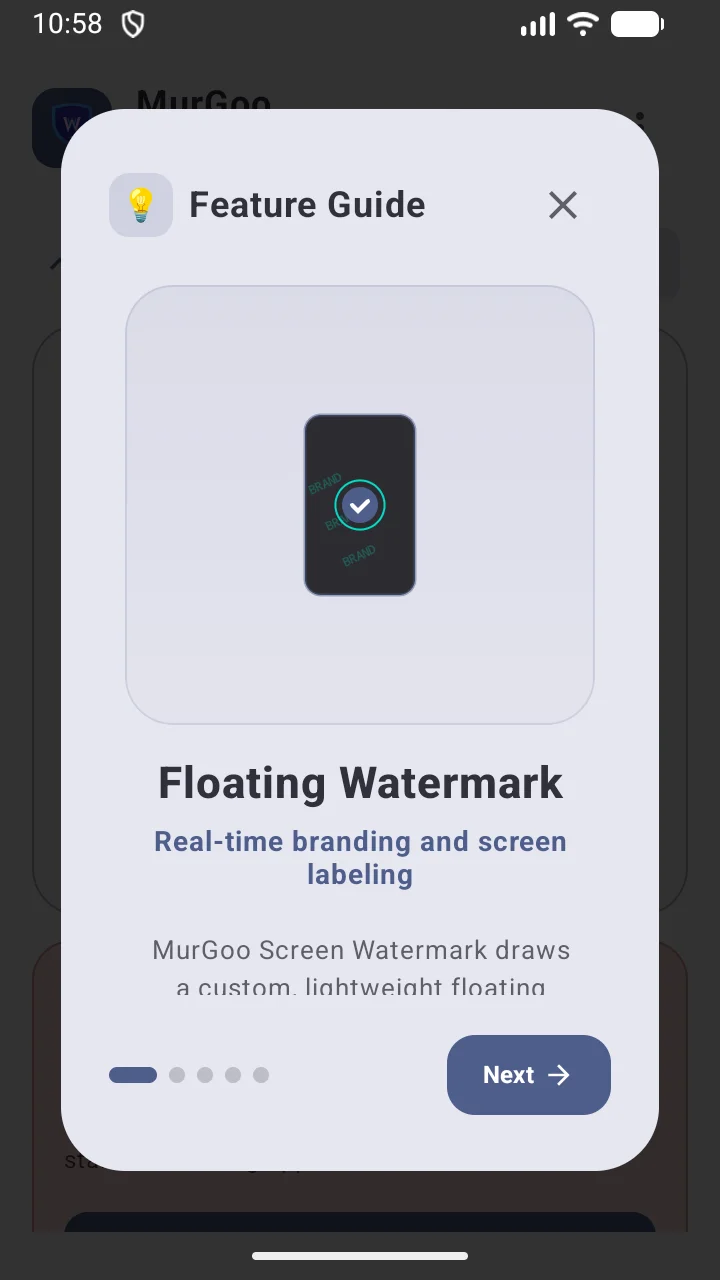
Label & Brand Your Stream Instantly
MurGoo Screen Watermark delivers a highly performance-tuned overlay engine operating completely locally on your Android device. It lets you inject persistent branding, status overlays, and logo tags with flexible display layouts and custom app trigger rules.
Configure beautiful typographic styles, import your custom graphic files, schedule floating overlays to avoid static display footprints, and export configurations seamlessly to share across your devices.
Vibrant Tiled Default
JSON Preset Backups
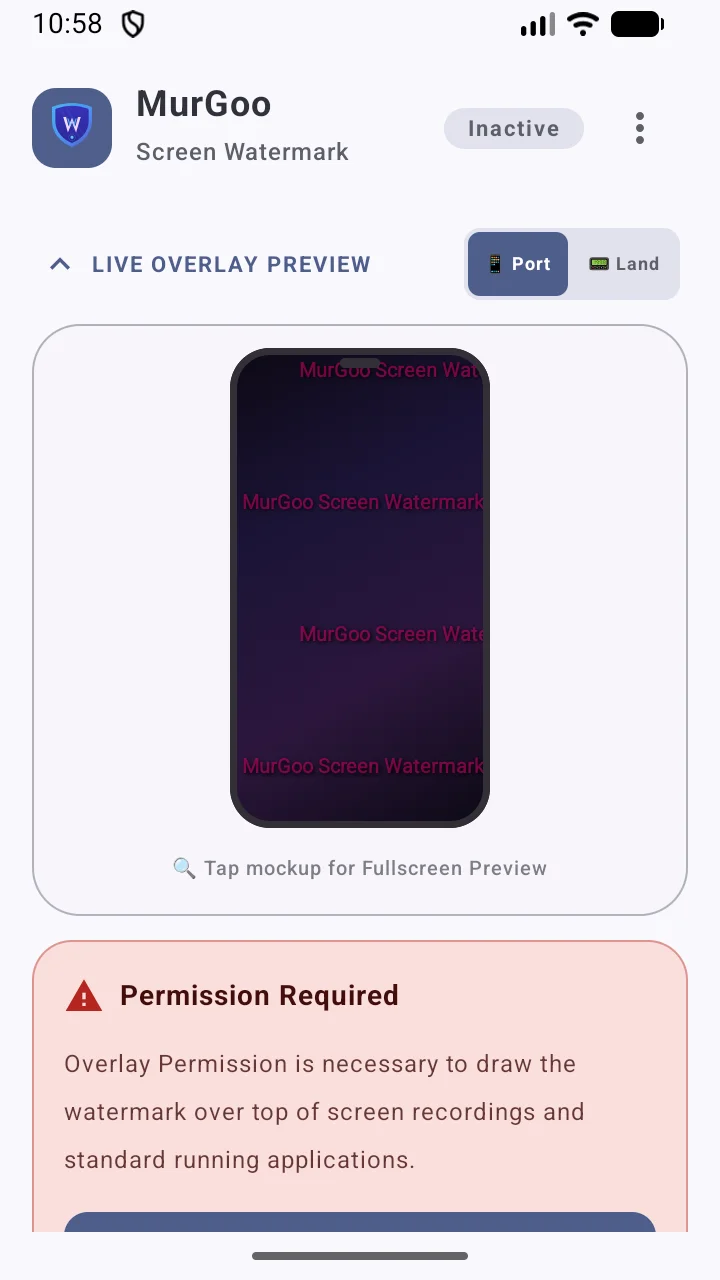
Live Preview Rendering
MurGoo Screen Watermark
MurGoo Screen Watermark
MurGoo Screen Watermark
MurGoo Screen Watermark
MurGoo Screen Watermark
MurGoo Screen Watermark
MurGoo Screen Watermark
MurGoo Screen Watermark
MurGoo Screen Watermark
MurGoo Screen Watermark
MurGoo Screen Watermark
MurGoo Screen Watermark
Visual Feature Tour
Application Screenshots & Controls
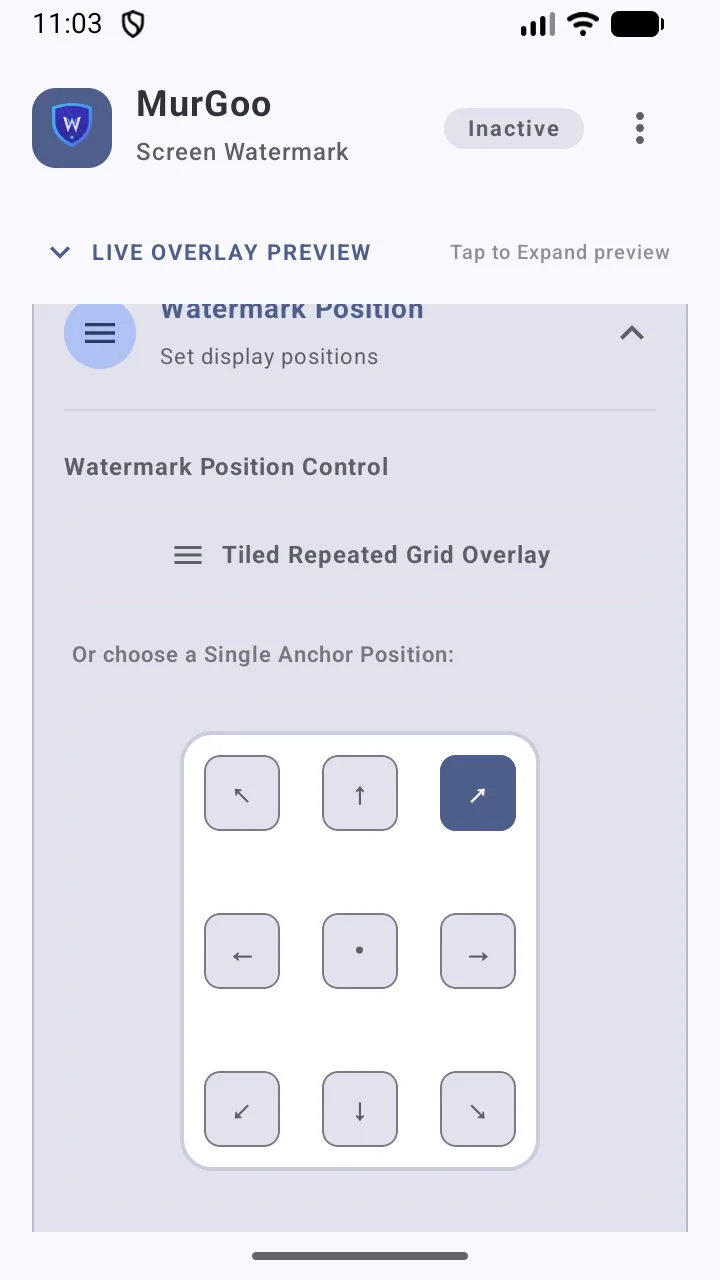
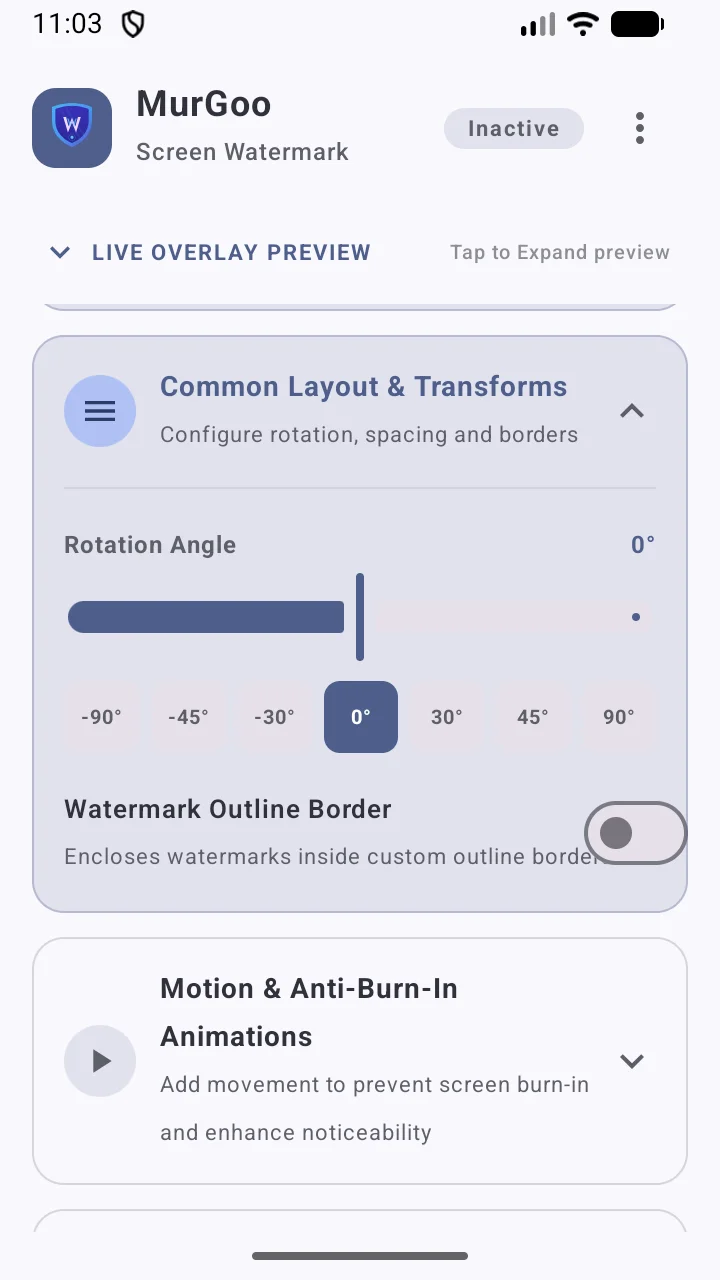
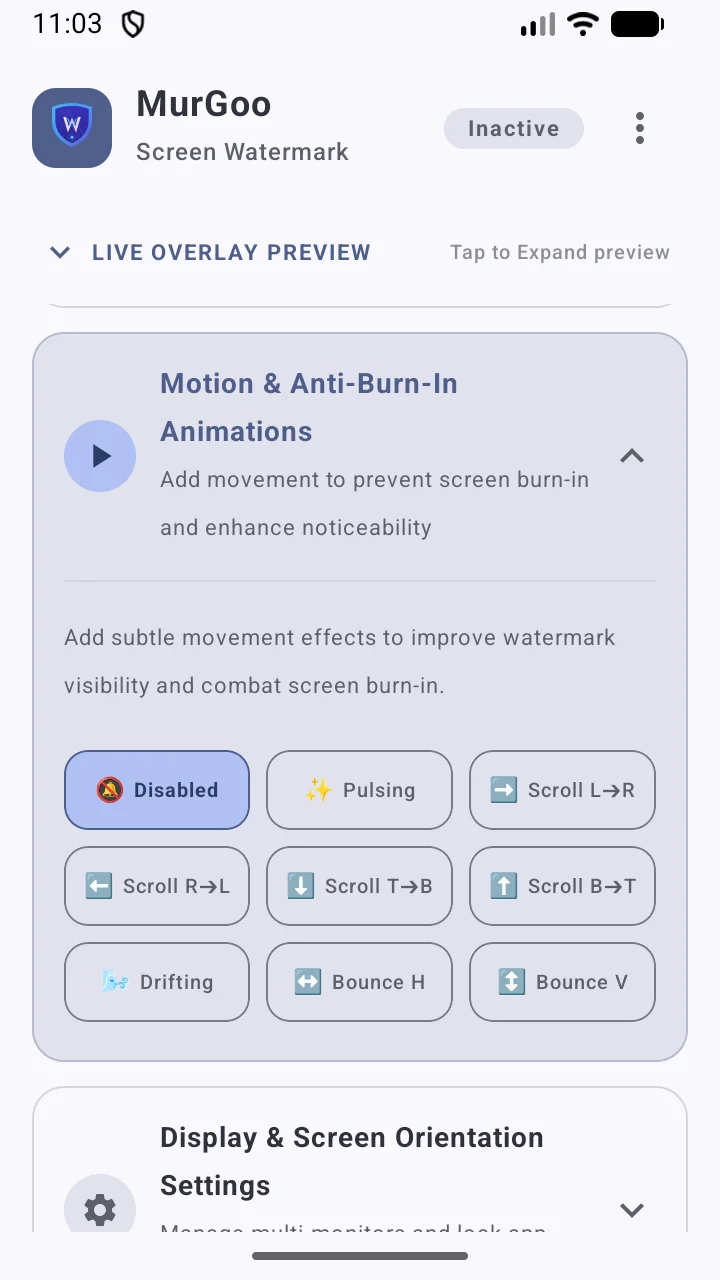
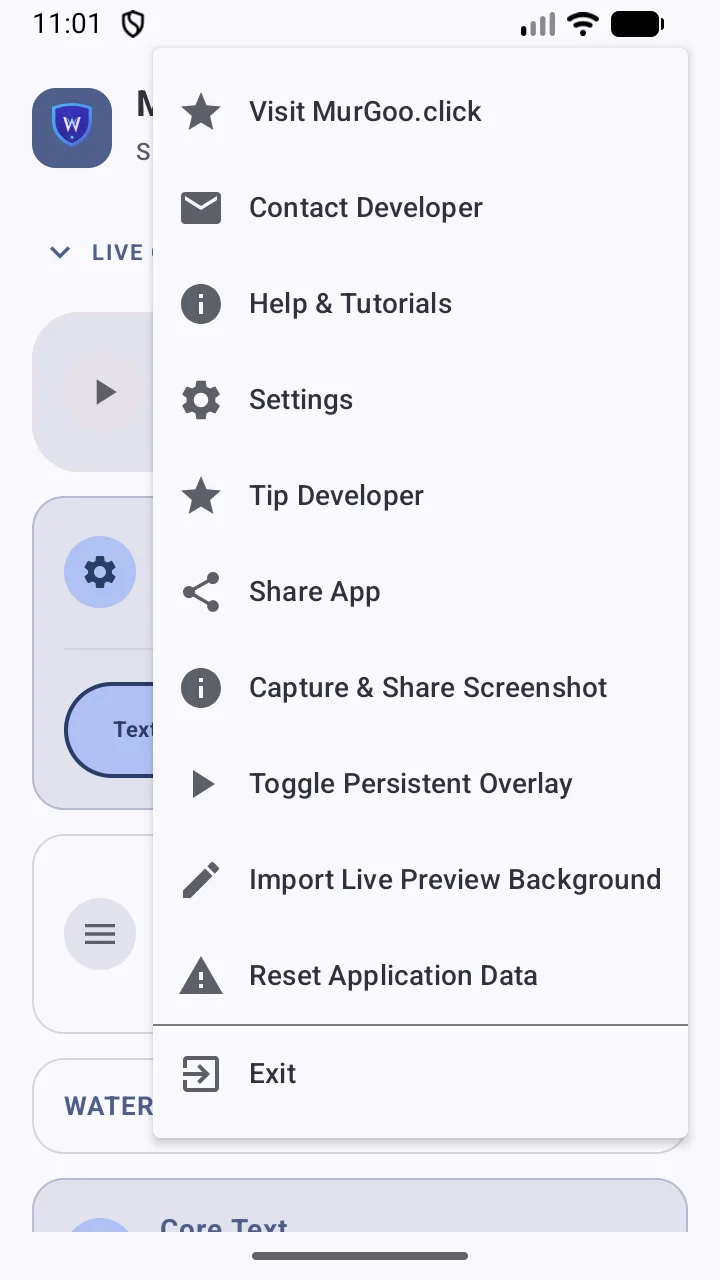
Explore the interactive Android watermark configuration engine, styling presets, 9-point anchor grids, and kinetic anti-burn-in animation features.
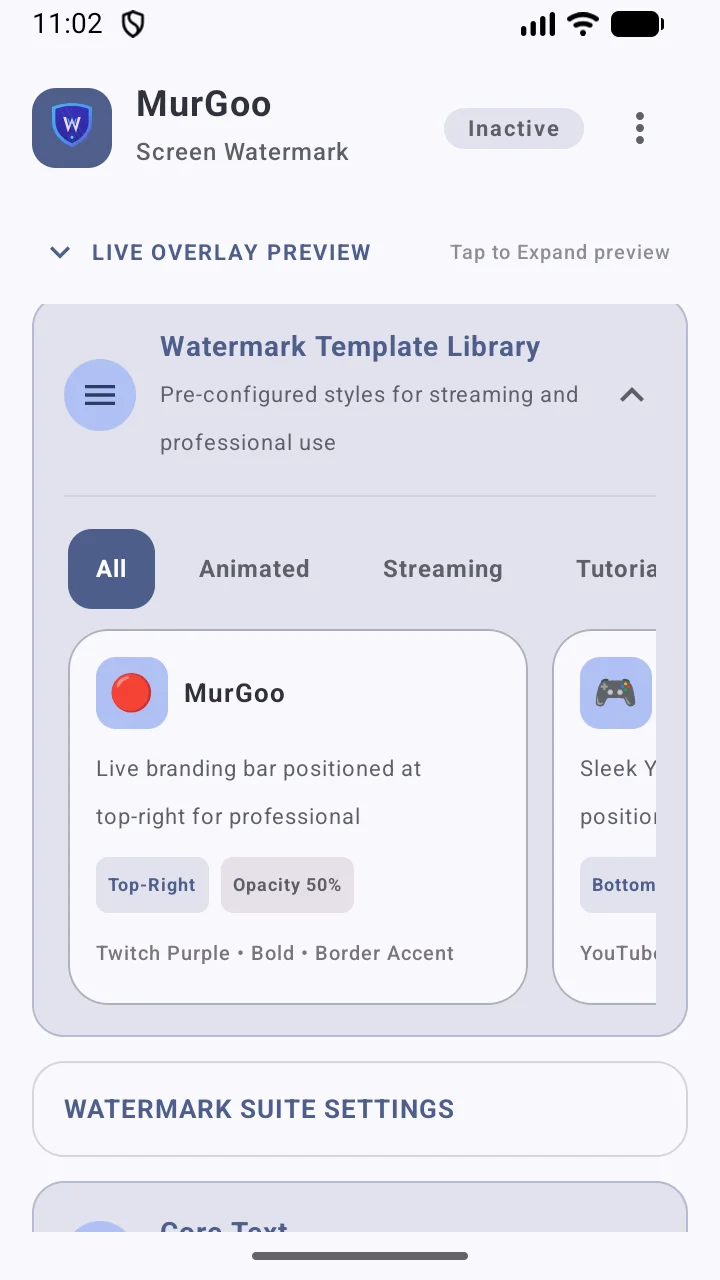
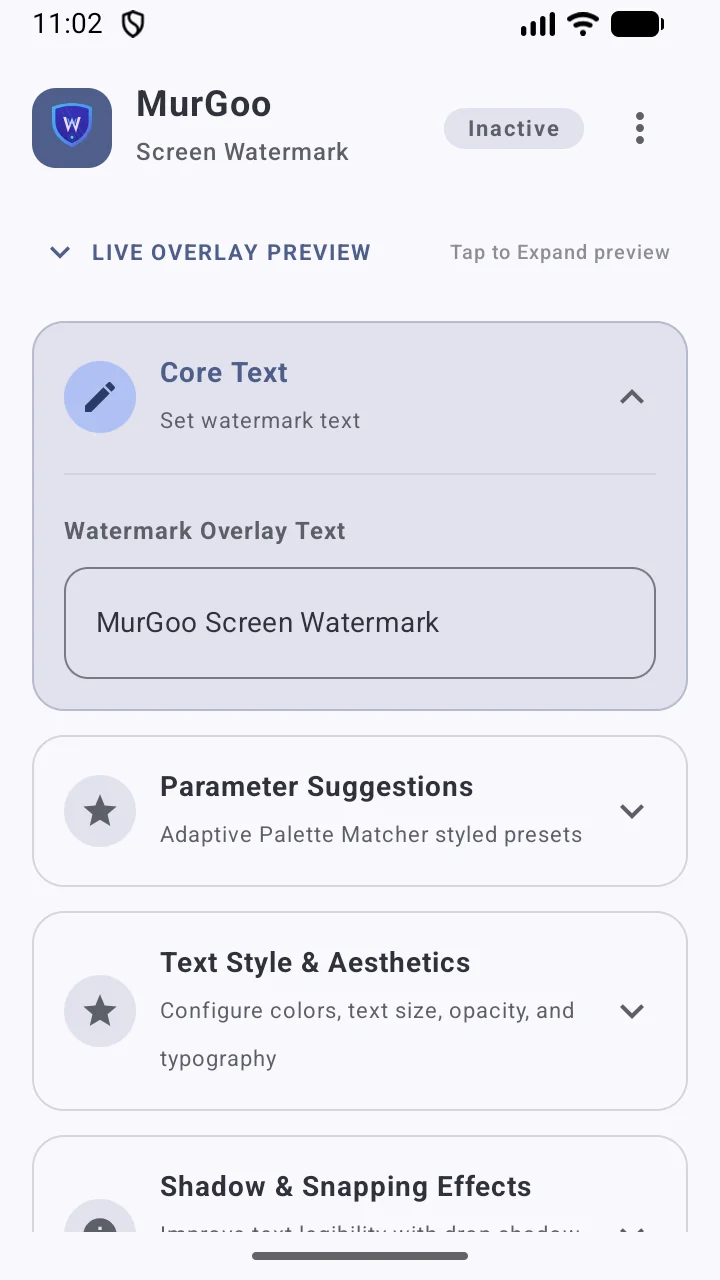
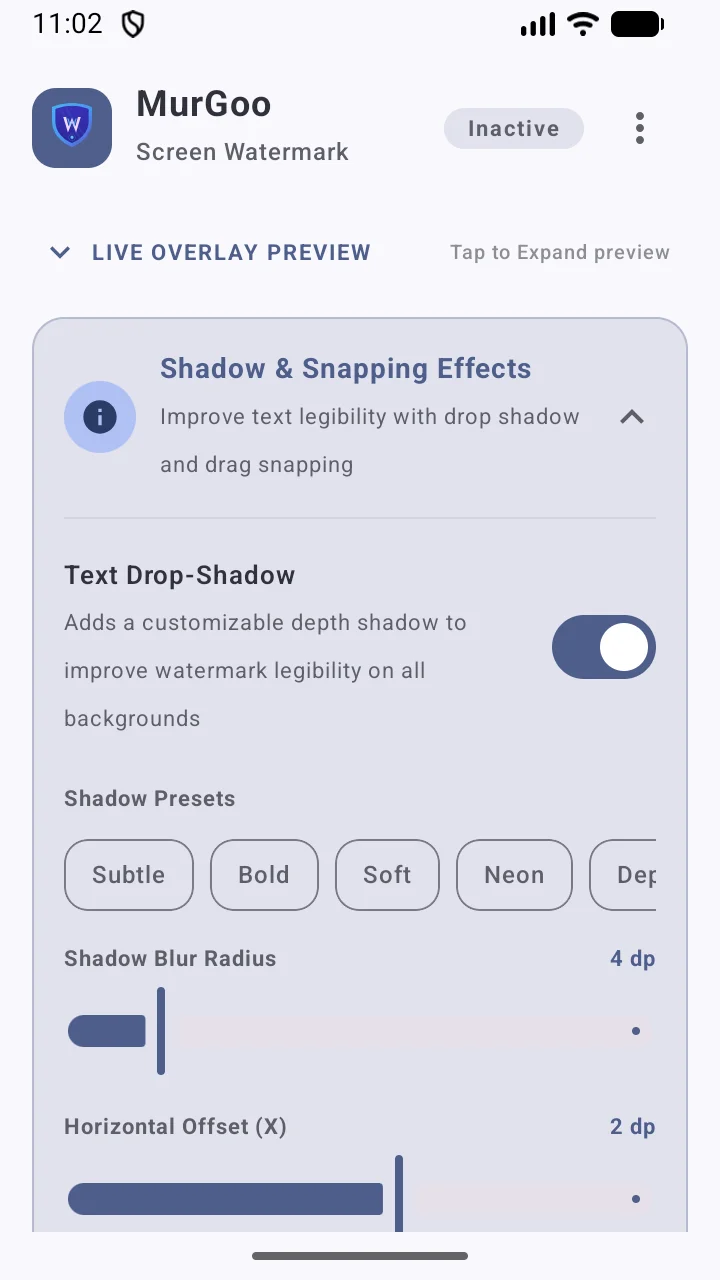
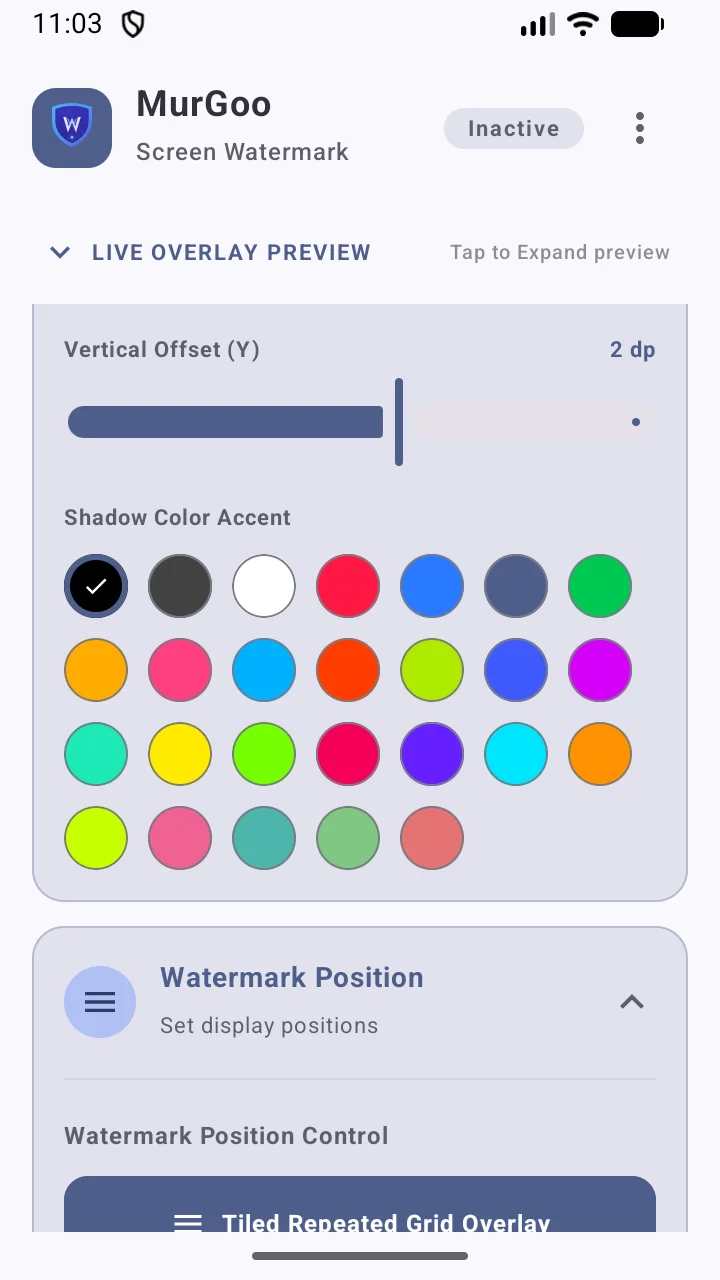
Quick Navigation (12 Screenshots)
Core Capability Directory
Vibrant Rose Default
Defaults to an attractive Vibrant Tiled layout running @ 0° rotation, 28f font size, 45% opacity, and custom high-contrast shadow rendering for maximum legibility.
JSON Configuration Presets
Export custom design settings as structured JSON documents or instantly import them to achieve unified brand identity across team setups.
Grid Tiling & Alignments
Utilize dynamic full-screen grid arrays with customizable spacing bounds, or anchor to single centers and cardinal corner pins.
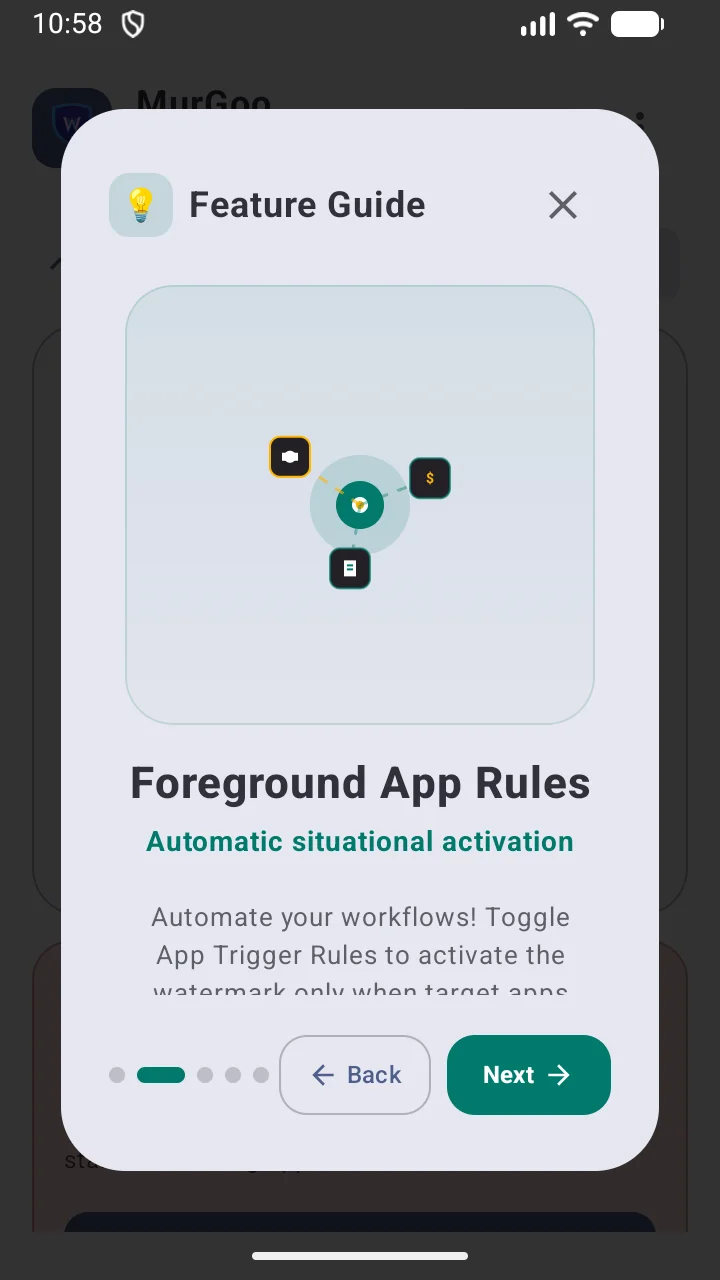
Smart Application Triggers
Configure application rules to instantly toggle watermark displays based on custom designated active system package names.
Visual Watermarks
Pair typography strings with rich custom background image banners, scaled transparent png shapes, or personalized vectors.
Interactive Motion Systems
Prevent screen fatigue or OLED burn-in with linear drifting, dynamic float boundaries, and custom timing periods.
Interactive Operations Manual
Structured Style Backups
The backup feature saves the active overlay configuration into an accessible, human-readable JSON scheme containing styling guidelines:
Compact JSON Output
Fully compliant standard mapping containing active font selections, position states, and alpha gradients.
Instant Application
Upload an exported config string, and the database updates state instantly, toggling system services as needed.
{
"text": "MurGoo Screen Watermark",
"textColor": -65409, // Vibrant Rose Hex #FFFF007F
"textSize": 28.0,
"opacity": 0.45,
"rotation": 0.0,
"positionType": "TILE",
"tileSpacing": 160.0,
"isBold": true,
"showShadow": true,
"shadowBlur": 4.0,
"shadowColor": -16777216
}
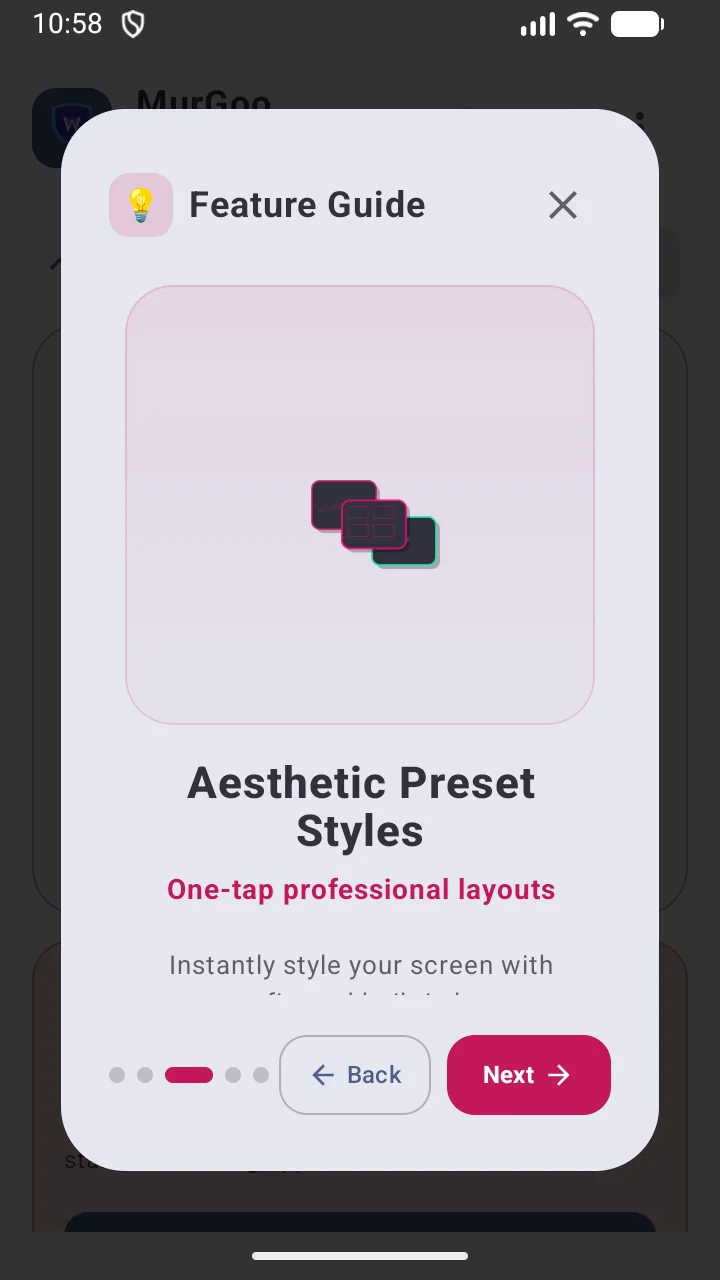
Aesthetic Display Modes
Configure how watermarks map across physical or virtual screens:
- Full Matrix Tiled: Covers the entire display canvas, automatically wrapping offsets based on spacing sizes.
- Locked Target Pins: Static corner positions maintaining precise touch target zones.
- Free-form Draggable: Move the watermark dynamically with active snapping thresholds to lock onto axes.
App-Aware Display Rules
Configure smart restrictions to handle custom display preferences:
- Media Integration: Automatically disables/enables overlay when using standard system media playback apps.
- Custom Hiding Rules: Hides or toggles the watermark overlay on specific packages to keep views clear.
- Target App Packages: Define comma-separated application ids to dynamically toggle overlays.
Frequently Asked Questions
What customization features are supported for watermarks?
MurGoo supports extensive typographical and graphic styling. You can customize text color, alpha opacity, scale sizes, rotation angles, bold typeface, background stamp shapes, outer border lines, dynamic gradient color arrays, custom system fonts, and drop shadows (blur, offset, and shadow color). Additionally, you can upload transparent PNG/JPEG image files to use as full-screen graphic watermark patterns.
Will the watermark overlay drain my device battery?
No. MurGoo is engineered to be exceptionally battery-efficient. Unlike apps that continuously redraw the display using resource-intensive CPU loops, MurGoo uses hardware-accelerated native Android system overlay layers. It registers listeners only for relevant state changes and system notifications, keeping background power draw completely negligible.
Is MurGoo compatible with multi-display systems, tablets, and foldables?
Yes, absolutely. The overlay rendering engine fully adapts to modern Android responsive canonical classes, including standard compact smartphones, dual-pane foldables, and large tablets. It supports orientation changes, multi-display identification, and split-screen task configurations without clipping or rendering artifacts.
How does the automatic app trigger feature work?
The trigger feature uses highly optimized active package queries. When you launch a specified media app or dynamic layout template, the system instantly detects the active package ID and triggers the overlay, dynamically adjusting or disabling the watermark layer to match your active app environment and prevent visual clutter.
How can I back up or transfer my custom watermark styles?
You can easily share your styles using the built-in JSON backup system in the Settings section. Selecting "Export" generates a readable standard JSON file of your styling rules, which can be stored safely or shared. Selecting "Import" parses any valid preset JSON file and updates your active layout and database properties instantly.
How do I ensure the watermark service runs reliably without being killed in the background?
To prevent Android from aggressively terminating MurGoo's background overlay service, we highly recommend excluding the app from system battery optimizations. Navigate to your device's Settings -> Apps -> MurGoo -> Battery, and select "Unrestricted" (or disable battery optimization / battery saver options for the app). This ensures our extremely lightweight native system overlay service persists reliably without interruption.
Is MurGoo a security app, and how do I close or disable the watermark?
No, MurGoo is strictly a decorative labeling, branding, and status overlay utility. It is not a security, encryption, anti-recording, or privacy protection app. It provides no anti-tampering defenses, screenshot blocks, or secure data containment. Because of this, it is designed to be completely user-controlled and non-intrusive: you can easily close, minimize, toggle, or disable the floating watermark overlay at any time with a single tap of the "Stop Service" button inside the app, by swiping away its active notification, or by simply uninstalling the app from your device.